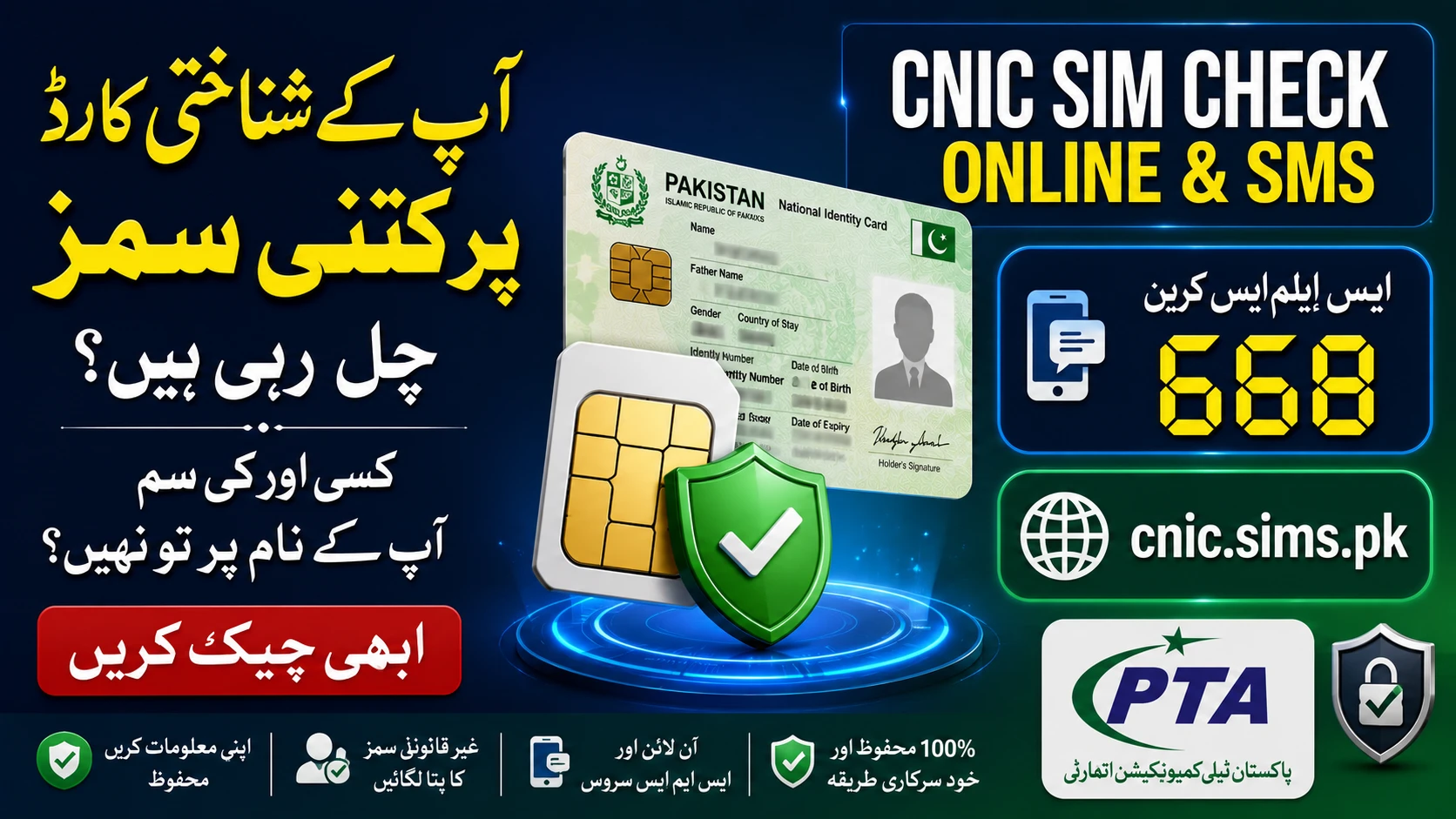
CNIC SIM Check Online & SMS: PTA Verification System 2026
Your Computerized National Identity Card (CNIC) is your most critical identity document. In Pakistan, the telecom sector has tightened its security measures for 2026 to ensure everyone’s digital safety. The Pakistan Telecommunication Authority (PTA) has introduced stricter rules to protect users from fraud.
It is incredibly easy to verify how many mobile connections are active under your name. Knowing your registered network count prevents the misuse of your personal data. The PTA provides free and low-cost tools to help you track this instantly.
Let us dive into the officially approved ways to run a complete CNIC SIM check.
Why You Need to Check Your Registered SIMs in 2026
Mobile connections registered under your identity card make you legally responsible for how they are used. Fraudsters sometimes use stolen biometric data to activate numbers.
If an unknown connection is tied to your CNIC and gets involved in illegal activity, you could face legal trouble. The government operates under the Prevention of Electronic Crimes Act (PECA), which means protecting your identity is a serious matter.
Furthermore, the PTA has started automatically suspending numbers associated with CNICs that missed biometric re-verification. Keeping your telecom record updated is no longer optional; it is a necessity.
Official PTA SIM Limits Per CNIC
Before you verify your record, you should know the legal limits set by the PTA.
- You can have a total of eight SIMs registered to a single CNIC.
- Out of these eight, a maximum of five can be standard voice SIMs.
- The remaining three connections are strictly reserved for data SIMs.
Exceeding these limits can trigger automatic suspension of your numbers until you remove the extra lines.
Method 1: Perform a CNIC SIM Check via SMS 668
The most common way to check your SIM status is directly from your mobile phone. This method works on any phone and does not require an internet connection.
Here is exactly what you need to do:
- Open the text messaging app on your mobile device.
- Type your 13-digit CNIC number in the text field.
- Ensure there are no dashes or spaces in the number.
- Send this message to the official shortcode 668.
Within seconds, you will receive an automated reply. This text will list every network operator and the exact count of active numbers registered to your identity. This SMS service costs around Rs. 2 plus tax.
Method 2: Perform a CNIC SIM Check Online
If you prefer a visual table or want a completely free option, the PTA web portal is your best choice. You just need a smartphone or computer with internet access.
Follow these simple steps:
- Open your web browser and visit the official website at cnic.sims.pk.
- Look for the CNIC Number entry field on the homepage.
- Type your 13-digit CNIC number without any dashes.
- Complete the short human verification step if prompted.
- Click the Submit or Verify button.
The screen will instantly load a detailed chart. It shows the exact breakdown of both voice and data SIMs linked to your identity across all networks.
How to Block Unrecognized Mobile Connections
What happens if your 668 SMS reply shows a number you do not recognize? You must act fast to remove it from your record.
- Write down the network operator showing the unknown connection.
- Take your original CNIC and visit an official franchise of that specific telecom operator.
- Submit a formal request to disown the unauthorized SIM.
- Provide your biometric thumbprint to confirm your identity and complete the process.
- Check your record again via 668 after 48 hours to ensure the number was removed.
Remember, under recent 2026 policy changes, you usually cannot disown a newly activated SIM until a specific restriction period has passed. However, official franchises can guide you on handling fraud cases.
Biometric Safety Warnings for 2026
When you visit a franchise to activate or block a number, your biometrics will be scanned. The PTA connects these scanners directly to the national database (NADRA).
Never let a retailer take your fingerprint on blank paper. Scammers trick people by pretending to be government officials offering support funds. They capture fingerprints on paper or tampered machines to register illegal mobile lines. Only use official biometric scanners at trusted franchises.
Frequently Asked Questions (FAQs)
Is it legal to check someone else’s SIM count?
No, accessing SIM ownership data for another person without their consent is a privacy violation. Doing so could lead to criminal penalties under Pakistani law. You should only check your own CNIC.
How do foreign nationals check their SIM details?
Foreigners can use the same online portal (cnic.sims.pk). Instead of a CNIC, they simply click the “Foreign ID” option and enter their unique ID number.
Can I block a SIM using the PTA website?
No, you cannot block or disown a number online. You must physically visit the respective network’s customer service center or franchise for biometric verification.
What if a franchise refuses to block an extra line?
If a franchise does not process your disownership request, you can file a complaint with the PTA. You can use the PTA CMS Mobile App or call their toll-free helpline at 0800-55055.
Do I need a smartphone to use the 668 service?
No, any basic mobile phone that can send and receive text messages will work perfectly for the 668 SMS check.