
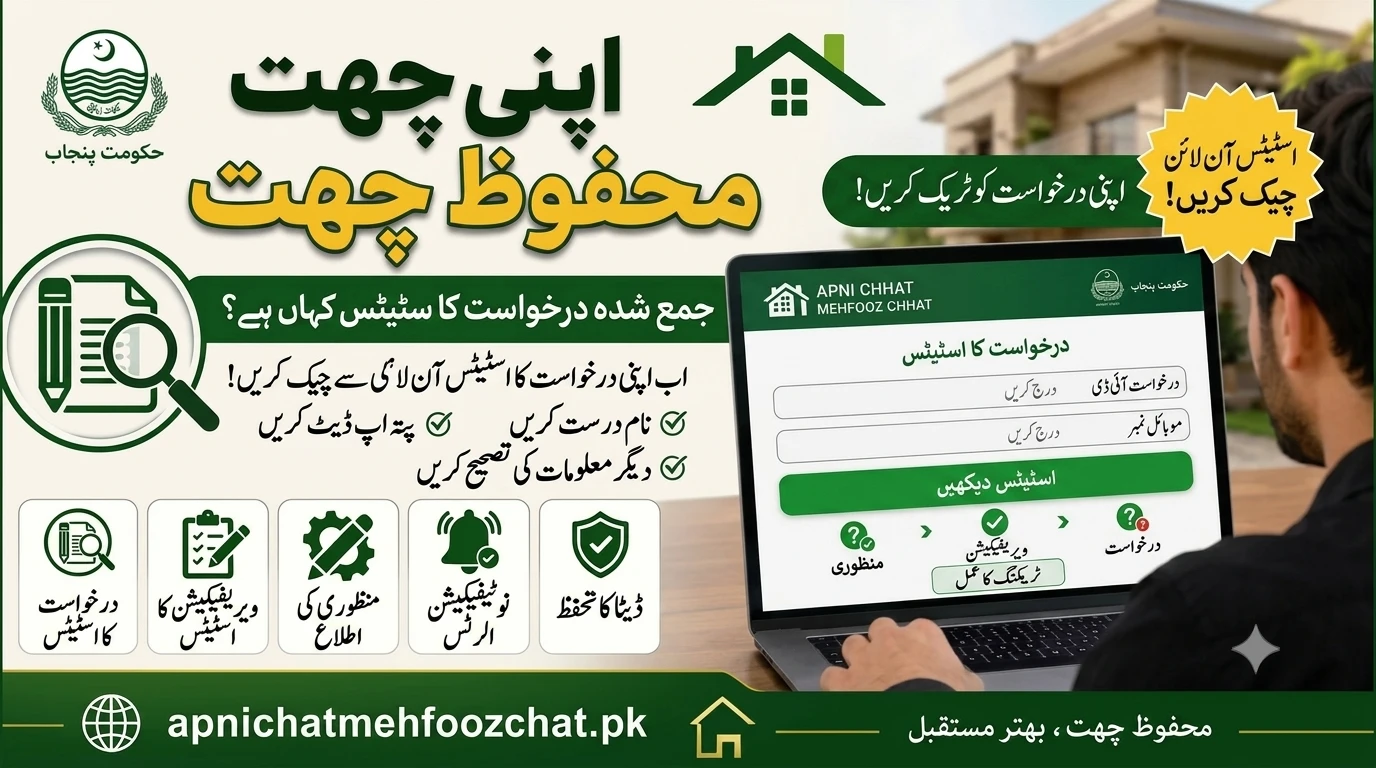
How to Check Your Apni Chat Mehfooz Chat 2026 Application Status Online
The Punjab government, under the leadership of Chief Minister Maryam Nawaz, has launched the Apni Chat Mehfooz Chat scheme to help low-income families build safe and secure homes. This amazing initiative provides interest-free loans to citizens so they can construct houses on their own land. Thousands of hopeful applicants have already submitted their forms online and at local district offices. Now, the biggest question on everyone’s mind is how to track the progress of their files.
Checking your application status is a crucial step in the home loan process. If you applied for this scheme, waiting blindly can lead to missed deadlines or ignored document requests. The government has made it very easy to track your file directly from your mobile phone or computer.
⚠️ Important Disclaimer: The housing department processes thousands of applications weekly. You must check your status regularly to ensure you do not miss any verification calls or portal updates.
For the fastest daily updates regarding loan approvals, new schemes, and official government news, make sure to join our official Punjab Portal WhatsApp channel today. Staying connected means you will never miss out on important alerts about your housing future.
📊 Important Highlights
| Feature | Scheme Details |
|---|---|
| Scheme Name | Apni Chhat, Mehfooz Chhat Scheme 2026 |
| Organization | Government of Punjab (CM Initiative) |
| Primary Goal | Interest-Free Loans for Housing |
| Financial Assistance | Up to Rs. 1.5 Million (15 Lakh) Loan |
| Official Portal | acag.punjab.gov.pk |
| Application Method | Online Portal / District Offices |
📌 Objectives of the Online Status Tracking System
The Punjab government created the online tracking dashboard to bring total transparency to the loan process. In the past, citizens had to stand in long queues for hours just to ask a clerk if their file was approved. This online system eliminates the need for physical visits and saves everyone valuable time.
By logging into the ACAG portal, you can instantly see exactly where your application stands. The system tracks your file as it moves from the initial submission stage to physical verification and finally to the loan disbursement phase. This step-by-step transparency builds trust between the government and the citizens.
Furthermore, the online tracking system helps officials identify and correct errors faster. If a verification team finds a problem with your property documents, they can flag it on the portal. You instantly see this flag and can fix the issue without waiting for a slow physical letter to arrive in the mail.
🔑 Major Benefits of Checking Your Status Regularly
Staying active on your dashboard gives you a massive advantage over applicants who submit their forms and forget about them. The verification process is dynamic, and the housing authorities often require sudden clarifications.
When you check your portal often, you can quickly respond to any alerts. For instance, if the physical verification team plans to visit your plot, your dashboard will show an upcoming schedule. This ensures you are present at the location with your original property registry and CNIC when the officers arrive.
Regular tracking also protects you from unauthorized changes or fraudulent agents. When you personally monitor your application through the official website, you ensure that no one else is interfering with your loan file. It keeps your private data secure and gives you peace of mind.
📋 Eligibility and Requirements for Status Checking
Not everyone can just open the website and see random files. The Punjab Information Technology Board (PITB) has secured the system so that only genuine applicants can track their progress. You must meet certain requirements to access your file.
✔️ Who Can Check Their Status Online:
- ✔️ Citizens who successfully registered on the acag.punjab.gov.pk portal.
- ✔️ Applicants who have their original CNIC number used during registration.
- ✔️ Individuals who remember their secure password created at the time of sign-up.
- ✔️ People who received a confirmation SMS with an application reference number.
❌ Who Cannot Check Their Status Online: - ❌ Individuals who have not yet submitted a complete application form.
- ❌ People trying to use someone else’s CNIC number without the correct password.
- ❌ Applicants who lost their login details and cannot access their registered mobile phone number.
- ❌ Citizens who fell victim to fake registration websites and never applied on the official portal.
To ensure a smooth tracking experience, always keep your original computerized National Identity Card (CNIC) and your active mobile phone near you before logging in.
📱 Step-by-Step Guide to Check Your Application Status Online
Tracking your Apni Chat Mehfooz Chat file is completely free and takes only a few minutes. Always make sure you have a stable internet connection before trying to access the government portal. Do not use random third-party mobile applications; stick to the official website.
💻 Step 1: Access the Official ACAG Portal
Open the web browser on your smartphone or computer. In the address bar, type the official government URL: acag.punjab.gov.pk. This is the only official website for the scheme. Once the homepage loads, look for the “Login” or “Track Application” button usually located at the top right corner.
🔑 Step 2: Log In to Your Dashboard
Clicking the login button will take you to a secure screen. You will need to enter your CNIC number exactly as it appears on your card (usually with or without dashes depending on the specific box). Then, enter the secret password you created when you first applied. Click the “Sign In” button to access your private dashboard.
📊 Step 3: Review the Status Dashboard
Once you are inside your dashboard, look for the “Application Status” section. The screen will usually display your name, your unique application ID, and a clear status indicator. The portal uses visual timelines or bold text to show exactly where your file is in the verification pipeline.
⚠️ Step 4: Act on Any Errors or Requests
Sometimes, the status dashboard will show a warning message or a request for more information. For example, it might say “Document Missing” or “Blurry Image Uploaded.” If you see this, you must click the “Edit” or “Update” button immediately. Upload a clear, fresh picture of the requested document so the authorities can resume processing your loan.
🏢 How to Check Status for Manual Office Applications
Some citizens did not apply online and instead submitted physical files to the offices of Deputy Commissioners, Assistant Commissioners, or the Punjab Housing and Town Planning Agency. If you fall into this category, checking your status online might be slightly different or even impossible.
If the clerk who took your manual file entered it into the digital system, they should have given you a tracking number. You can try entering this tracking number or your CNIC into the public tracking bar on the portal. However, if your file is entirely paper-based, you must physically return to the office where you submitted it.
When visiting the government office, always bring the receiving slip or receipt they gave you on the first day. The housing officer will use this receipt number to locate your physical file in their cabinets. They can then verbally inform you if your loan has been approved, rejected, or sent for further physical verification.
⚠️ Understanding Different Status Meanings
When you log into your portal, you might see several different words describing your file. It is very important to understand what each term actually means so you know what to expect next.
1. Draft or Incomplete:
This means you started filling out the form but forgot to click the final “Submit” button. The government cannot see your file yet. You must complete the missing sections and officially submit it before the deadline closes.
2. Submitted / Pending Verification:
Congratulations, your file has successfully reached the government database. Right now, it is sitting in a digital queue waiting for an officer to open it. At this stage, you simply need to wait patiently as no action is required from your side.
3. Under Physical Review:
This is a very crucial stage. It means the initial desk verification is complete, and the housing department has dispatched a physical verification team. These teams will visit your recorded address to confirm you actually own the land and that it meets the 5-marla or 10-marla criteria. Be prepared to receive a phone call from the survey team.
4. Action Required / Error:
If you see this status, you must act quickly. It usually means a document is unreadable, or your CNIC details do not match the NADRA database. The portal will specify exactly what is wrong. Fix the mistake immediately so your file is not permanently rejected.
5. Approved / Ready for Disbursement:
This is the best possible status. It means your file has passed all checks, the physical location is verified, and your loan is officially approved. The housing department will soon contact you with instructions on how to sign the final loan agreement and receive your first installment.
6. Rejected:
If your application is marked as rejected, it means you did not meet the eligibility criteria. This usually happens if you already own multiple properties, have a high monthly income that exceeds the scheme limits, or failed the physical address verification. Sometimes, an appeal option is available if you believe the rejection was a mistake.
❓ Frequently Asked Questions (FAQs)
❓ I forgot my portal password. How can I log in to check my status?
On the main login page of the acag.punjab.gov.pk portal, click the “Forgot Password” link. Enter your registered CNIC and mobile phone number. The system will send a One-Time Password (OTP) via SMS, allowing you to reset your password securely.
❓ My status says “Pending” for three weeks. Should I visit the office?
No, there is no need to visit the office. The verification process involves checking records with NADRA and land authorities, which takes time. Thousands of files are being processed daily. As long as it says “Pending,” it means it is safely in the queue.
❓ Can I track my application using just my mobile number?
No, the primary identification method for the Punjab housing portals is your 13-digit CNIC number. Your mobile number is used to receive SMS alerts and reset passwords, but you cannot log into the dashboard without your CNIC.
❓ Will I receive an SMS when my status changes?
Yes, the PITB system is designed to send automated SMS alerts to your registered mobile number whenever your file moves to a major new stage, such as “Approved” or “Action Required.” However, you should still log in manually to see the detailed notes.
❓ Is there a helpline I can call to ask about my status?
Yes, the Punjab government has established a dedicated helpline for the Apni Chat Mehfooz Chat scheme. You can dial 0800-09100 from your phone to speak with a representative and ask about your application.
🏁 Final Thoughts
Checking your Apni Chat Mehfooz Chat 2026 application status online is a vital part of securing your government home loan. The online portal at acag.punjab.gov.pk offers a clear, transparent, and easy-to-use dashboard that keeps you updated every step of the way. By logging in regularly, you ensure that you do not miss any critical document requests or verification visits.
Always keep your CNIC and registered mobile phone safe, and never share your login details with strangers. The Punjab government is working hard to process these interest-free loans so that deserving families can finally build a safe roof over their heads. Stay proactive, monitor your dashboard, and take one step closer to achieving your dream of homeownership.